Assigning field crews from the map
-
Go to the map and click on the work order you want to assign to a field crew. The Work Order Details callout will be displayed:

-
Click on the Crews button
 . The Assign To screen appears: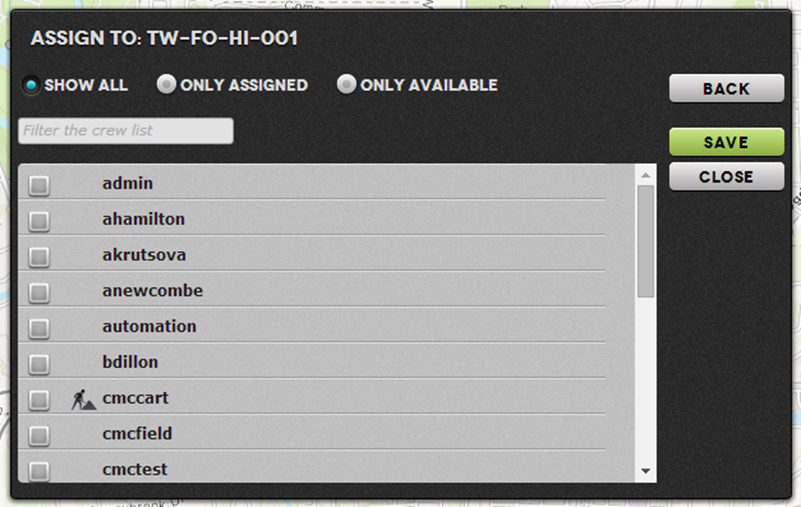
- Select the crew and click SAVE.
Tip: The  icon indicates crews who have already been assigned work orders.