Batch assigning field crews from the Open Work Orders screen
You can dispatch several work orders at once from the Open Work Orders screen and the map (see Batch assigning field crews from the map). This is useful when several jobs need to be dispatched based on priority, projected start date, or other information related to the work orders.
-
Click
 to open the Open Work Orders screen: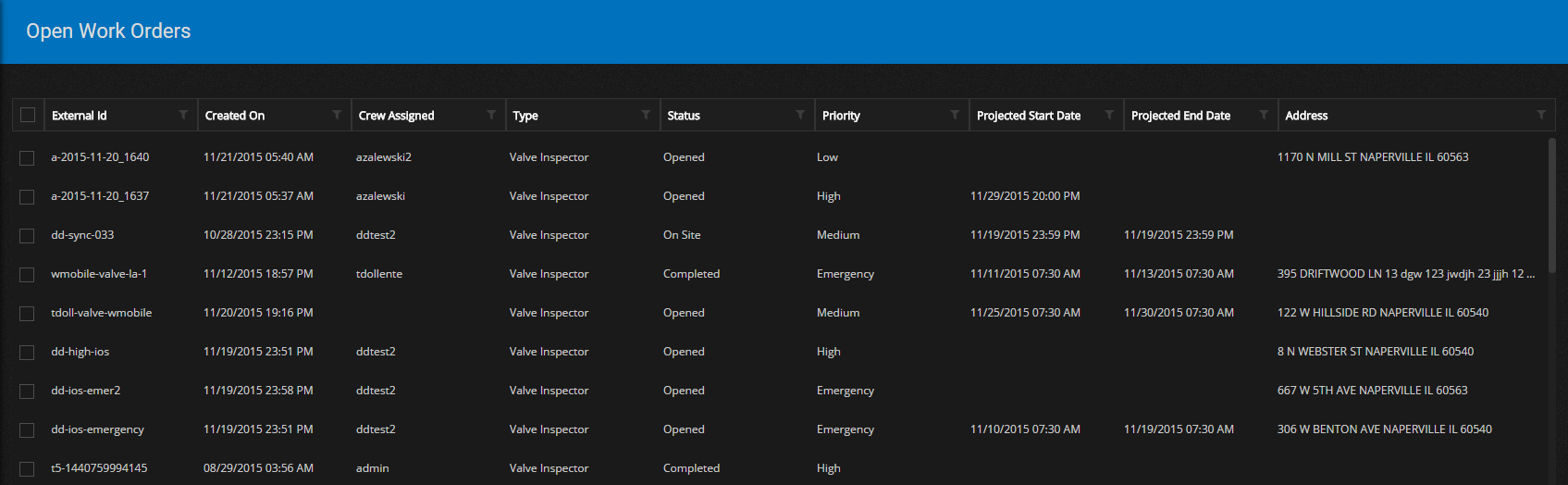
-
You can filter the work list and then select the work order(s) that need to be dispatched to the field crews. Select at least one work order by clicking on the check box next to each one.
The Open Work Orders title bar now shows the following buttons:

-
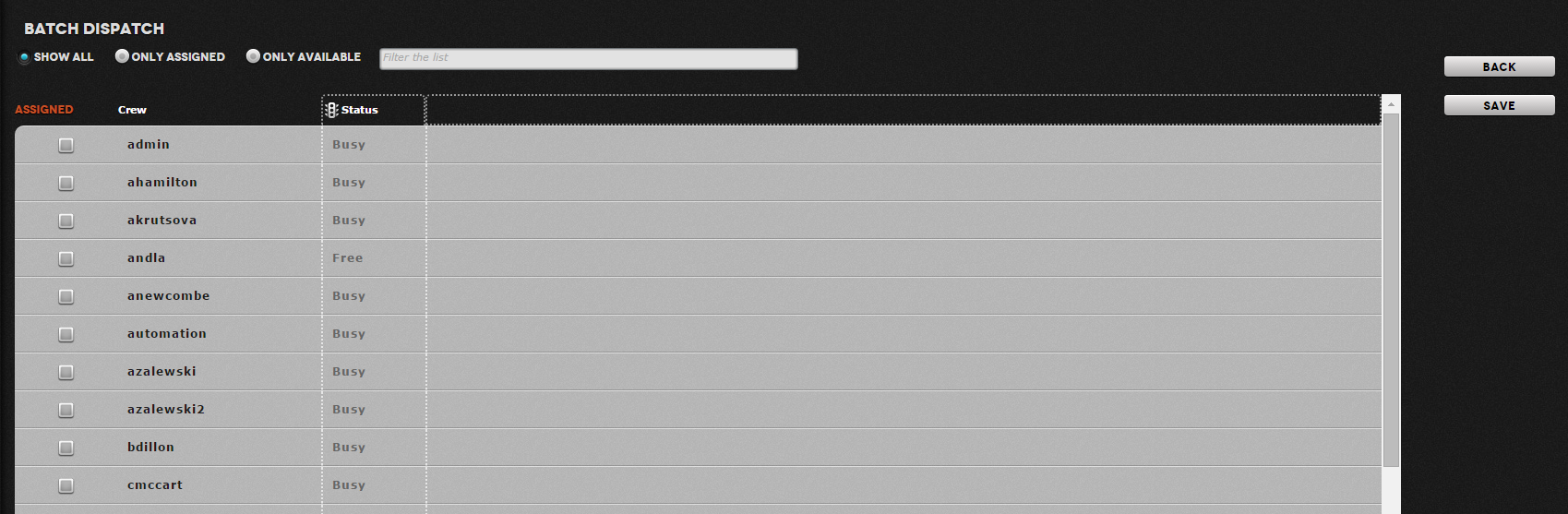
Click Assign Crew. The Batch Dispatch screen appears:
-
The screen provides a couple of options for filtering the list of crews:
- You can view the list to show either All crews, only those that have no current work orders, or those that do have a work order assigned to them.
- You can filter by text matching to the crew name. This will start to filter the list as soon as you start typing.
- Select the crew using the check box and click SAVE. The crew will be assigned to the work order.