Create a New Work Order from an Existing Work Order
You can create a new work order for assets from an existing work order in Trimble Unity.
- Click an existing work order from the list.
- In the work order details panel, click the More Actions icon.
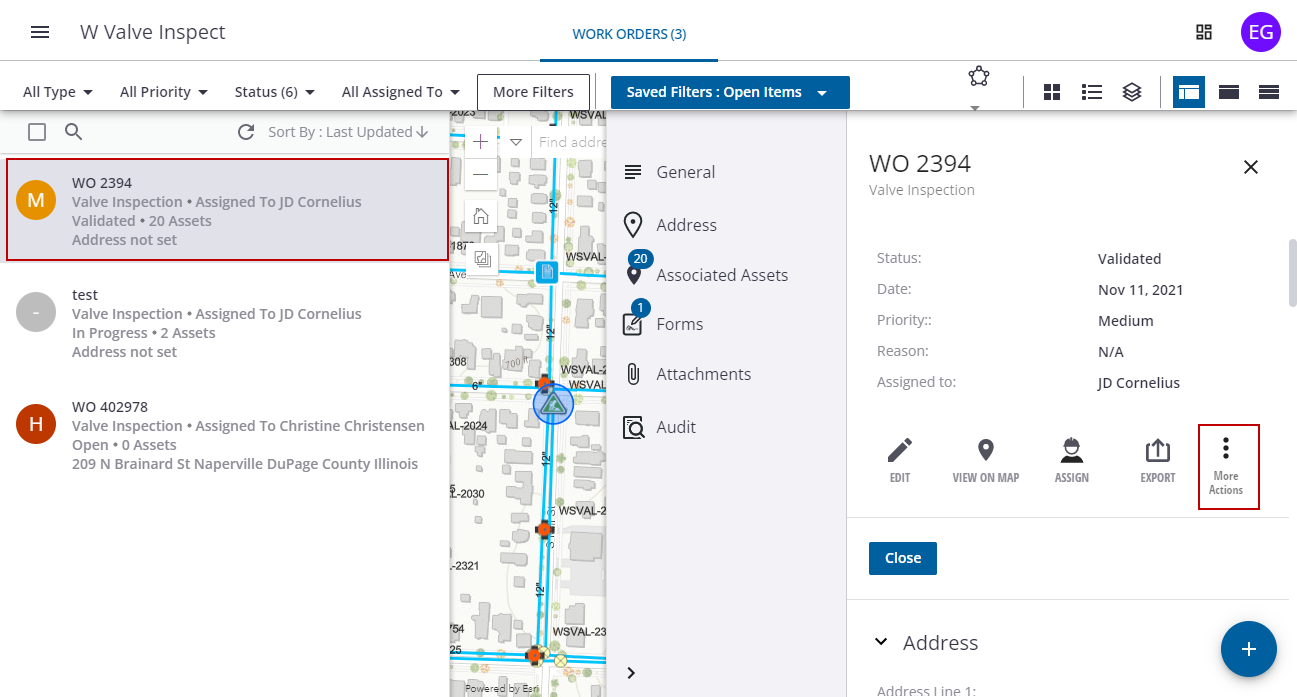
- Click Create Work Order for Assets.
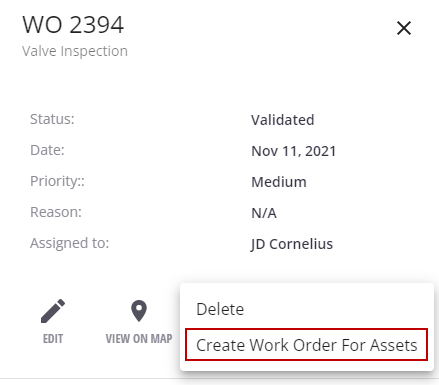
The New Work Order panel opens. Details from the original work order are copied to the new work order and the status is set to the initial status specified for the work order type (usually Open).
 NOTE: Any existing assets that were associated to the original work order are also copied to the new work order.
- Update or add any additional details.
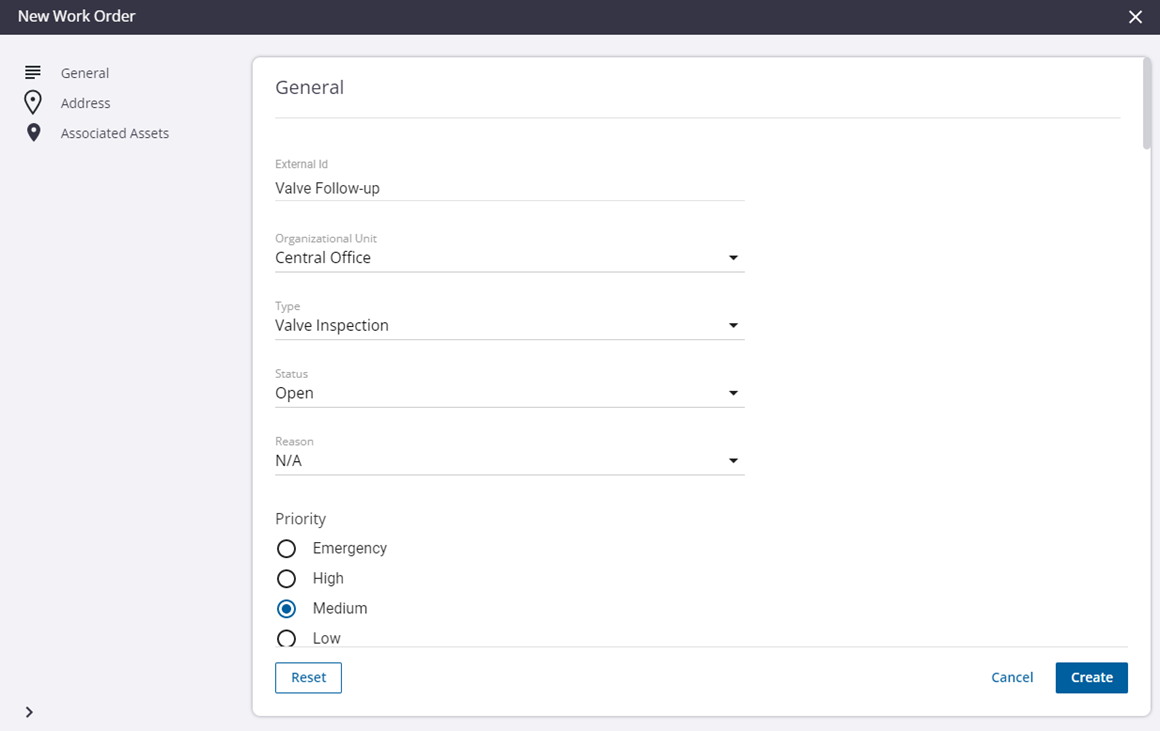
- Click Create.
The new work order shows in the work order list. The existing assets are also added to the new work order.
