Sort Monitoring Sites
Users can change the order of the monitoring sites list.
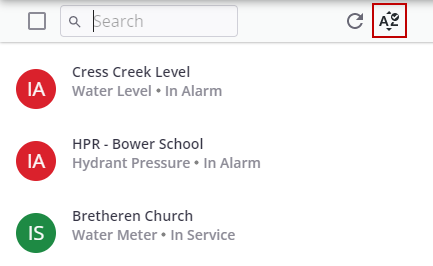
- Click the Sort icon in the top-right corner of the monitoring site panel.
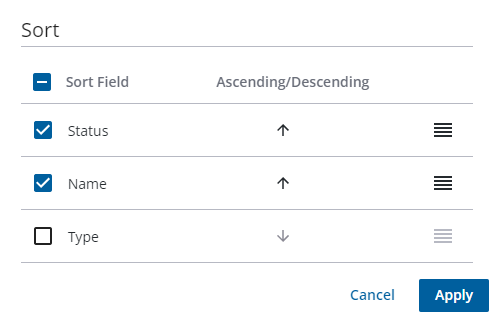
- Select the check box for the fields you want to sort by.
- Choose ascending or descending by clicking the up or down arrow accordingly.
- Change the field sort order by clicking and dragging the horizontal lines in the order in which you would the fields sorted.
- Click Apply.