Series Tab
The fields on this tab control the way the measurements are graphed.
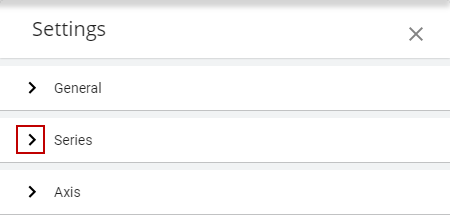
- Click the arrow to expand the Series tab.
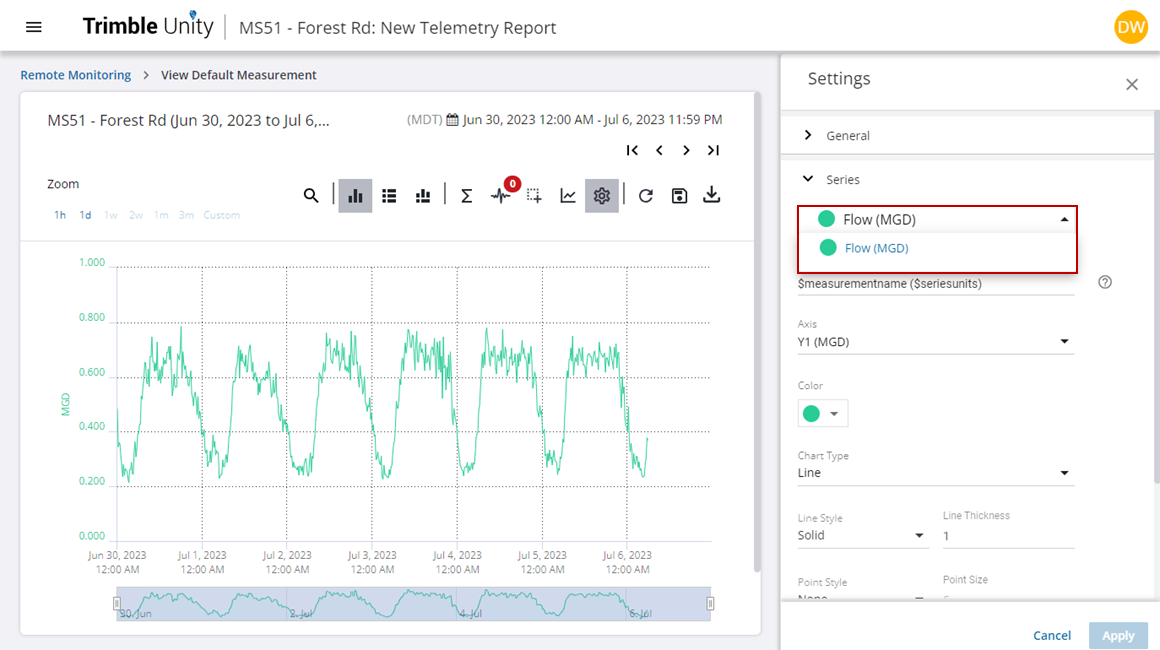
- From the first drop-down list, select the series or measurement you want to update.
- Click to add or update the Name of the series.
 TIP: Hover your mouse over the question mark icon to the right of the field for a list of parameters and values.
- Select the number of axes you want to display on the report from the Axis drop-down list.
- Select the Color of the series displayed on the report.
- Select the Chart Type from the drop-down list.
- Customize the Line Style, Line Thickness, Point Style, and Point Size of the chart.
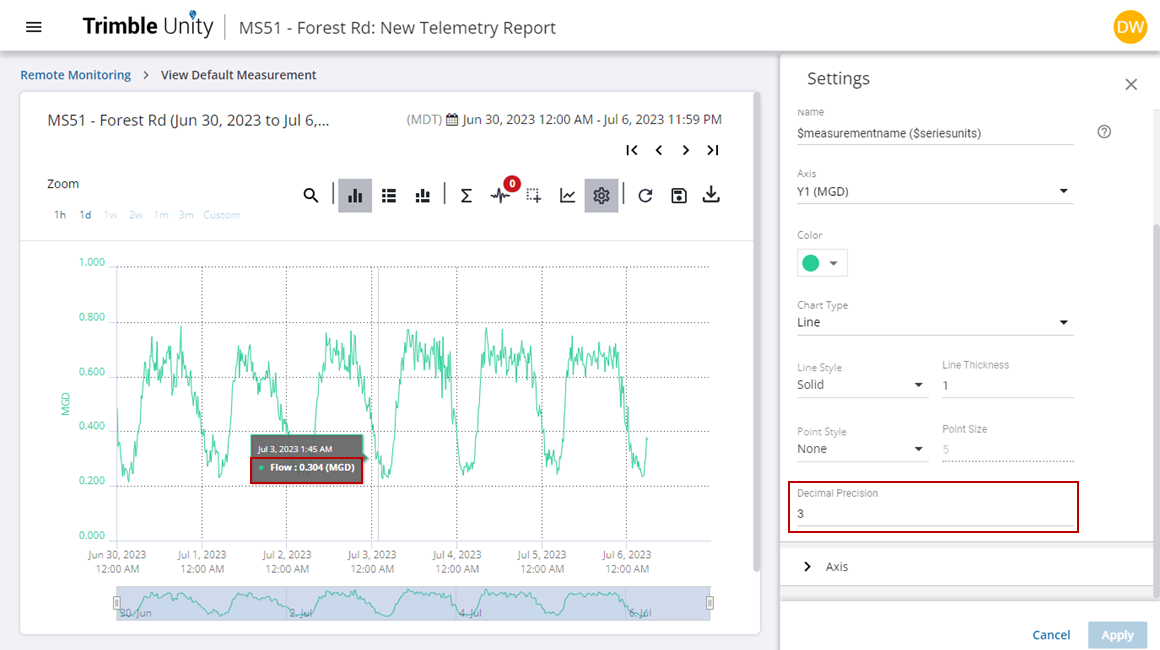
- Enter the Decimal Precision you want displayed on the report.
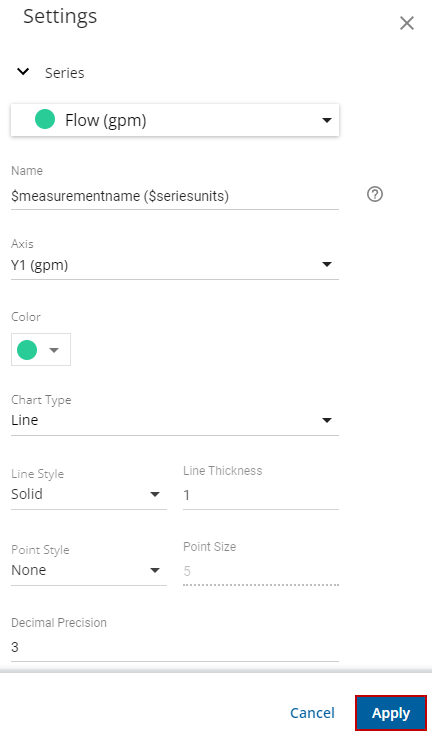
- Once all changes or updates are made, click Apply.
The telemetry report will update with the new changes.
The following is a list of the fields displayed in the Series tab:
|
Field Name |
Description |
|---|---|
|
Series |
List of series or measurements enabled on the graph. All choices below describe settings for the selected series. |
|
Name |
Series name shown on the graph legend defaults to measurement name and units. |
|
Axis |
Defines the axis associated with the graph. Note that there is a limit up to 5 axes that can be used in Unity RM. Multiple series can share the same axis if they have the same units. |
|
Color |
Sets the color for the series, each new series receives a color different from the previous one. |
|
Chart Type |
Supported chart types include: none, line, bar, stair, and area. None is used if you don't want to graph the series, but display the data on the tabular view. |
|
Line Style |
Line style is applicable to line and stair chart types. Styles include: solid, dash, dot, dashdot, and dashdotdot. |
|
Line Thickness |
Adjusts the thickness of the line. |
|
Point Style |
Point style is applicable to line and stair chart types. Styles include: circle, square, diamond, triangle, and downtriangle. |
|
Point Size |
Adjusts the size of the points. |
|
Decimal Precision |
Sets the decimal place resolution. The default is 3. |